
Data Culture
Why Row-Level Security in Tableau Matters (Part 1)

It always starts the same way.
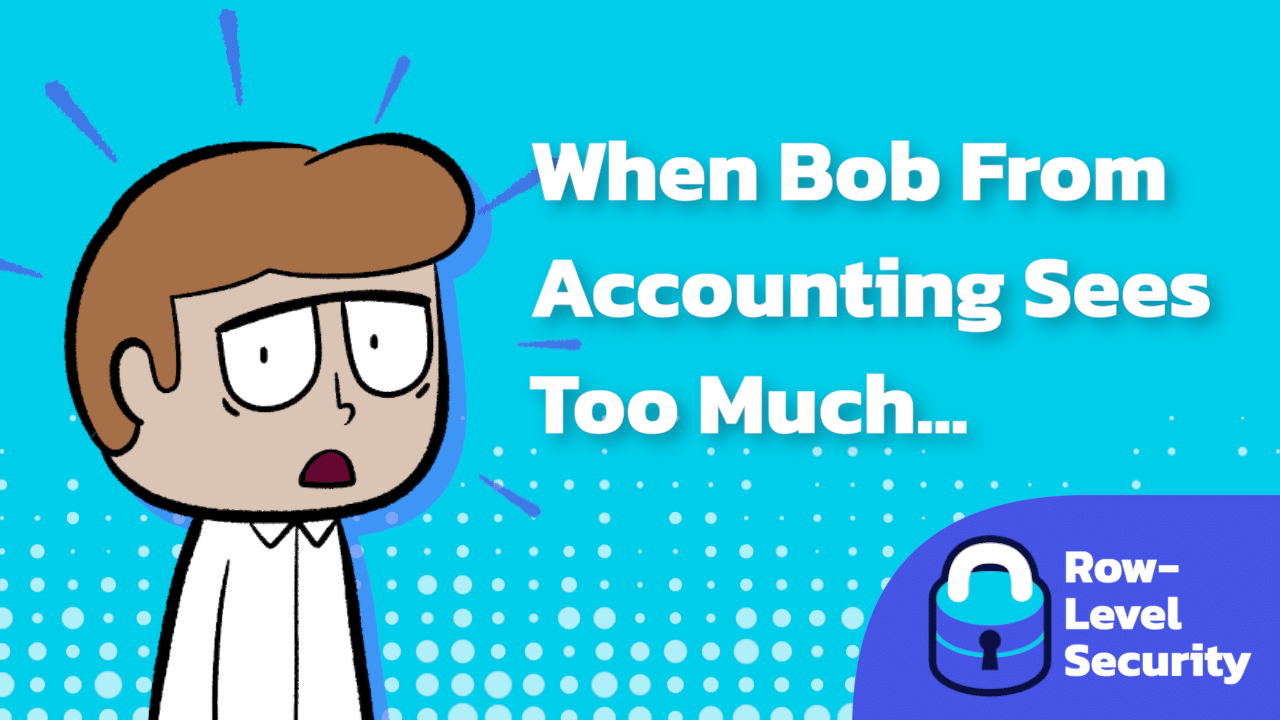
Bob from Accounting logs into Tableau…
Oops. Not ideal. Not legal. Definitely awkward. If this scene feels familiar, congratulations: you’ve officially met the problem Row-Level Security was invented to solve.
The Chaos Without RLS
Bob’s not a villain, he’s just trying to check the quarterly expense trend. A missing filter here, a shared data source there, and before you know it, Bob is one click away from becoming an accidental HIPAA violation.
Meanwhile, the data team is scrambling, the compliance officer materializes like a summoned spirit, and someone in the room finally asks the question that should’ve been asked months ago:
“Wait… who built this?”
Without Row-Level Security, everyone sees everything. And “everything” is almost never what you want.
What RLS Actually Does
Think of Row-Level Security as the quiet law-and-order system of your data kingdom.
In Tableau, RLS limits what each person can see down to the individual record. It’s like putting a tiny nametag on every row that says, “Hi, I belong to Marketing,” or “Property of Region West.”
When a user logs in, Tableau checks those nametags against that user’s identity. They get only what they’re allowed to see. No more. No less. No drama.
When it’s configured well, it’s invisible, automatic, and deeply satisfying, the kind of thing that makes data people smile broadly into their coffee.
The Three Main Ways to Do It
RLS comes in flavors, each one matching a different stage of an organization’s analytics maturity.
1. The Entitlement Join (The DIY Starter Kit)
You build a simple “who-can-see-what” table and join it to your data. Tableau uses that map plus USERNAME() to filter results.
Fast to stand up, great for small groups, and ideal for teams that just need to get this solved by Friday.
2. Centralized RLS With Tableau Data Management
This is the “your analytics operation went through adolescence and has finally learned to keep its room clean” phase.
You publish curated, governed data sources that already know how to filter themselves. Dashboards inherit the rules automatically.
More governance, fewer surprises, and fewer dreaded Bob incidents.
3. Database-Native RLS (Let the Warehouse Do the Heavy Lifting)
Here, you push security down into the database: Snowflake, BigQuery, SQL Server, pick your kingdom.
The warehouse enforces access before Tableau ever touches the data. Clean, scalable, and tool-agnostic. Perfect for enterprises, multilayer reporting stacks, or anyone with far more users than patience.
So… Why Does It Matter?
RLS is about compliance, sure, but it’s also about trust.
Users should know they’re seeing the right data. Admins should know nothing sensitive is leaking. And Bob should see exactly the numbers he came for, not a peek into someone else’s department, region, or private patient history.
A trustworthy analytics system makes people more confident, more curious, and more likely to use the dashboards you poured your time into.
And next time Bob logs in, the only thing he’ll stumble onto is his own expense report.
Coming in Part 2
We’ll explore the scrappy, startup-friendly world of DIY Tableau RLS: how it works, why it’s wonderful (until it isn’t), and when you should start planning your upgrade path.